Fast first impression
Initial loading speed affects trust. Keep hero zones visually strong while controlling texture and mesh complexity to avoid heavy startup times.
Web Delivery Pipeline
Browser delivery is often the fastest way to show design intent to stakeholders who are not technical and do not want to install software. A good WebGL version is not just a compressed build, it is a clear product experience with predictable loading, smooth navigation, and visual priorities aligned with the original render concept.
This guide explains the practical conversion logic from source scene to browser-ready runtime and includes a live embed of the WebGL build so you can evaluate interaction quality immediately.
Initial loading speed affects trust. Keep hero zones visually strong while controlling texture and mesh complexity to avoid heavy startup times.
Clients should move through the project naturally with keyboard and mouse, without learning a complex control system.
Highlight design decisions that matter for approval: lighting mood, material contrast, and core circulation routes.
Stage 01 · Source baseline
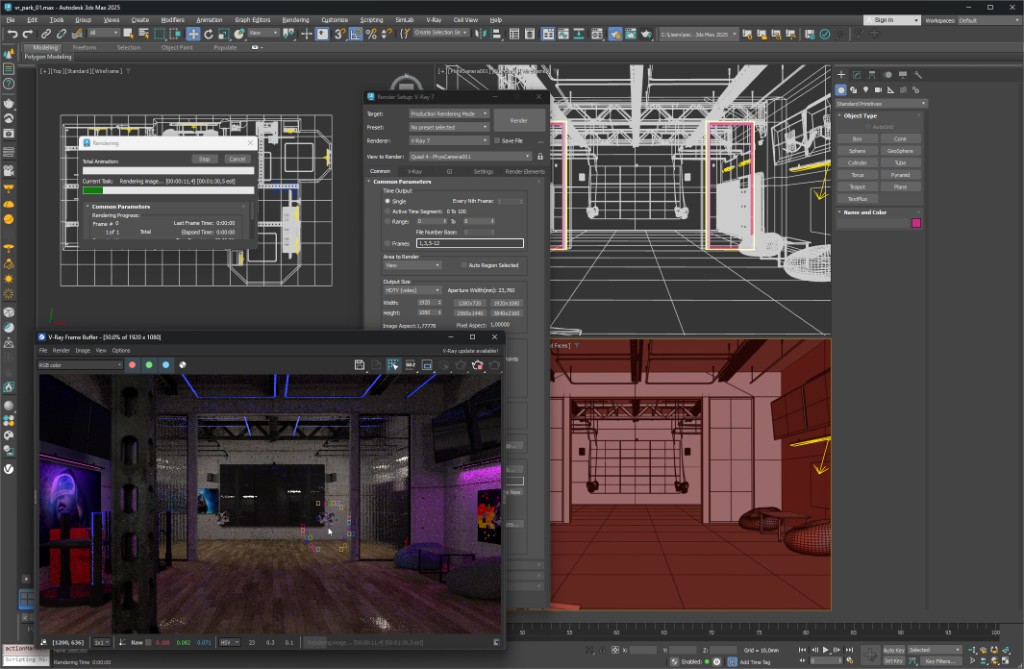
Before conversion, remove dead assets, normalize naming, and ensure texture paths are deterministic. This is the most cost-effective quality step in the entire process because scene hygiene directly impacts runtime stability, loading footprint, and troubleshooting speed in Unity.
Stage 02 · Runtime behavior
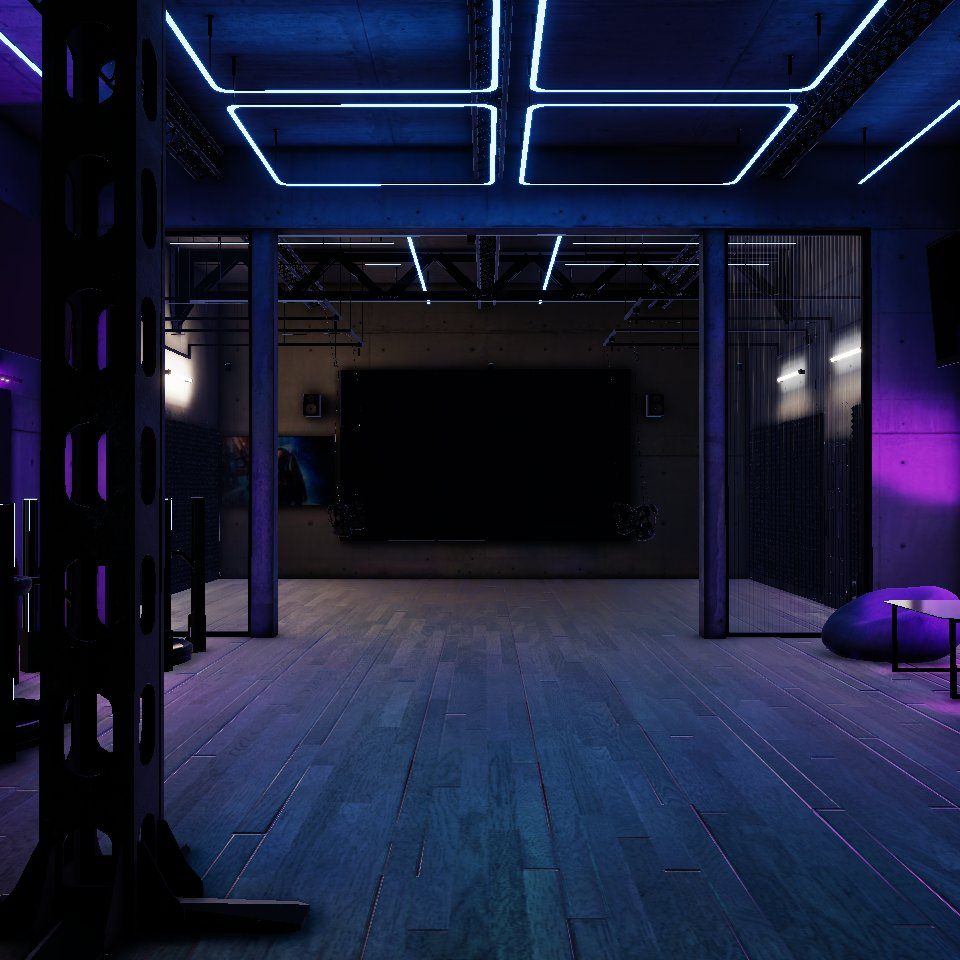
Realtime quality is not only framerate. You also need controlled exposure, readable edges, and a navigation rhythm that helps non-technical viewers understand space proportions quickly. This step turns the scene from a technical export into a presentation tool that supports decisions.
If you are planning multi-format delivery, continue with HDRP workflow, Corona to Unity, Unity VR build, or return to the main landing page to upload a ZIP scene package.