Primary surface identity
Wood, stone, fabric, and painted surfaces should preserve roughness rhythm and color response under dynamic camera motion.
Corona Conversion Path
Corona scenes are usually crafted with strong mood, subtle gloss behavior, and carefully balanced interior lighting. During realtime conversion, the main challenge is preserving that artistic intent while meeting performance constraints required for interactive delivery.
The goal is not a literal one-to-one shader clone. The goal is perceptual continuity: clients should recognize the same space, same design decisions, and same emotional tone when they move from static render previews to a realtime walkthrough.
Wood, stone, fabric, and painted surfaces should preserve roughness rhythm and color response under dynamic camera motion.
Over-bright highlights break perceived realism quickly, especially on glossy furniture and polished architectural elements.
Clients evaluate atmosphere first. Keep consistent mood when transitioning from rendered stills to realtime views.
Stage 01 · Corona source logic
Start with a clear inventory of hero materials and focal compositions. If you optimize blindly too early, you risk losing the very qualities that convinced the client in the original render stage.
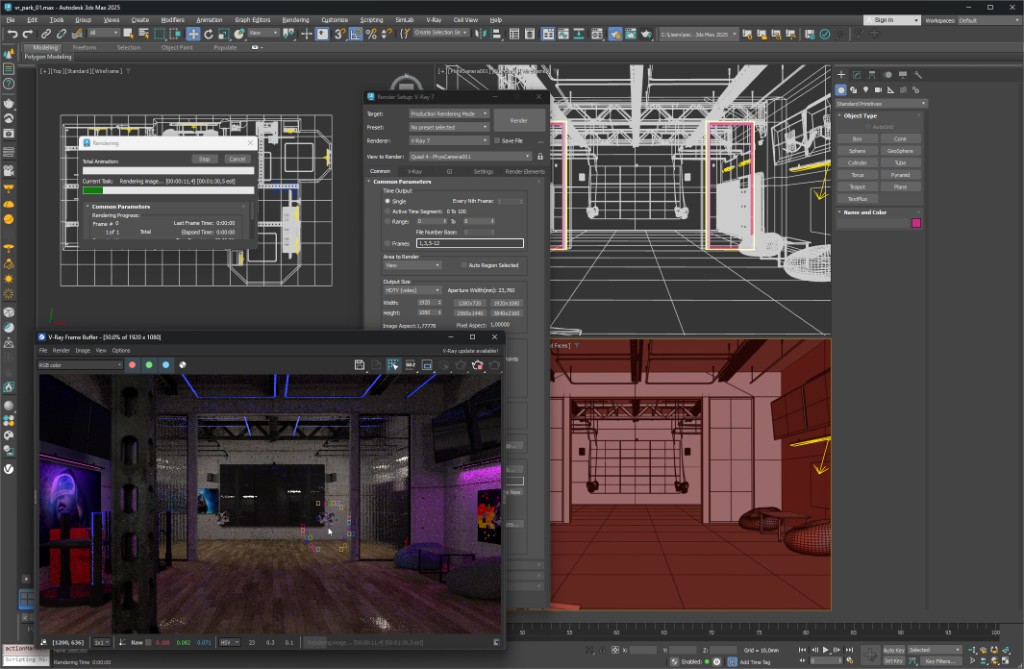
Stage 02 · Realtime perception check
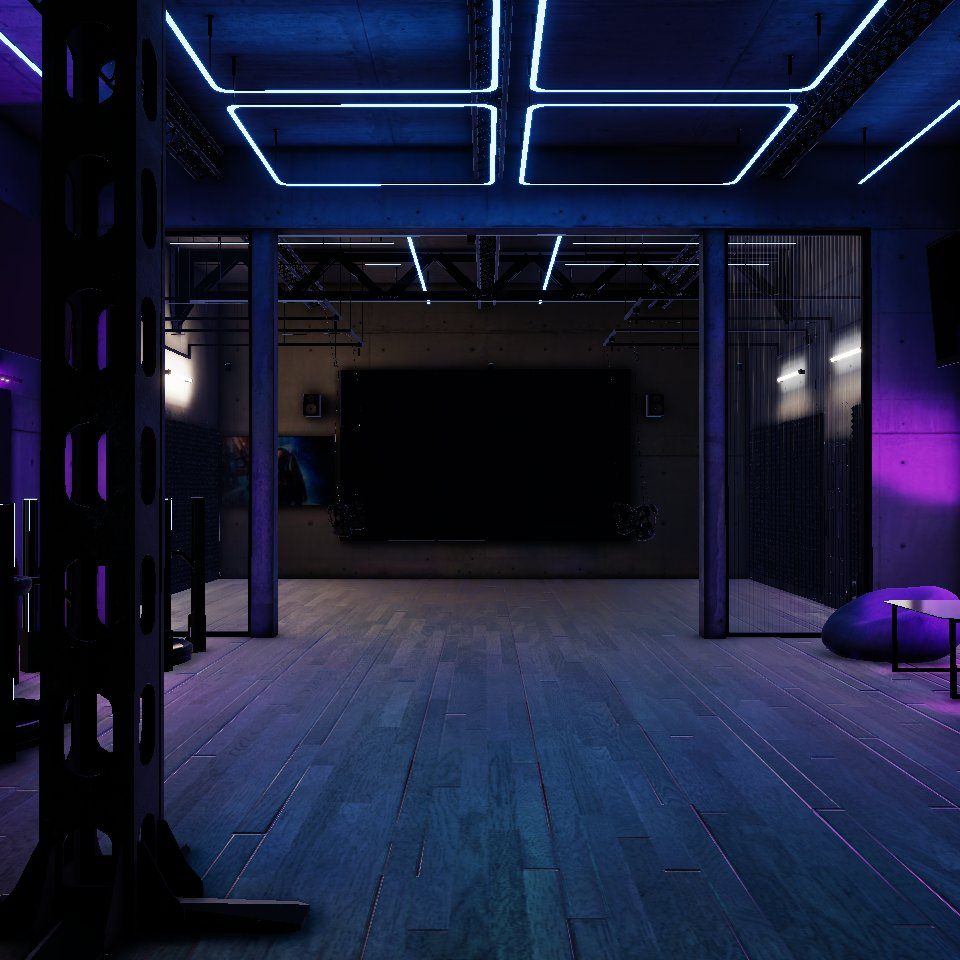
Real users do not inspect one frozen angle. They move, compare corners, and read reflections in motion. Validate converted results in walkthrough mode and adjust priorities around what viewers perceive first.
Continue to Unity HDRP workflow for pipeline depth, open WebGL from 3ds Max for browser delivery, or jump to Unity VR build for immersive walkthrough strategy.