Faster client decisions
When a client can move inside the project and check real scale, revision cycles become shorter and approvals happen with less friction.
Realtime Archviz Pipeline
This page is built for studios and independent artists who are tired of sending static renders when clients want to walk, rotate, compare options, and make decisions in context. Instead of exporting dozens of screenshots or recording another long flythrough, you can package your project once as a ZIP and move directly into a realtime delivery workflow.
The conversion pipeline keeps the visual intent of your original scene while preparing it for practical business use: browser demos for sales calls, desktop builds for offline presentations, Android packages for mobile review, and VR-ready runtime for immersive approvals. One upload becomes multiple presentation formats that your team can deploy immediately.
Interactive demo controls: WASD + mouse
When a client can move inside the project and check real scale, revision cycles become shorter and approvals happen with less friction.
The workflow is designed around real production scenes authored in 3ds Max with V-Ray or Corona.
Your project can be delivered as WebGL, VR, Android APK, and Windows EXE without rebuilding the presentation logic each time.
Below is the exact journey behind a typical interior project. Each stage explains not only what you see in the screenshot, but why it matters for production speed, communication quality, and final delivery confidence.
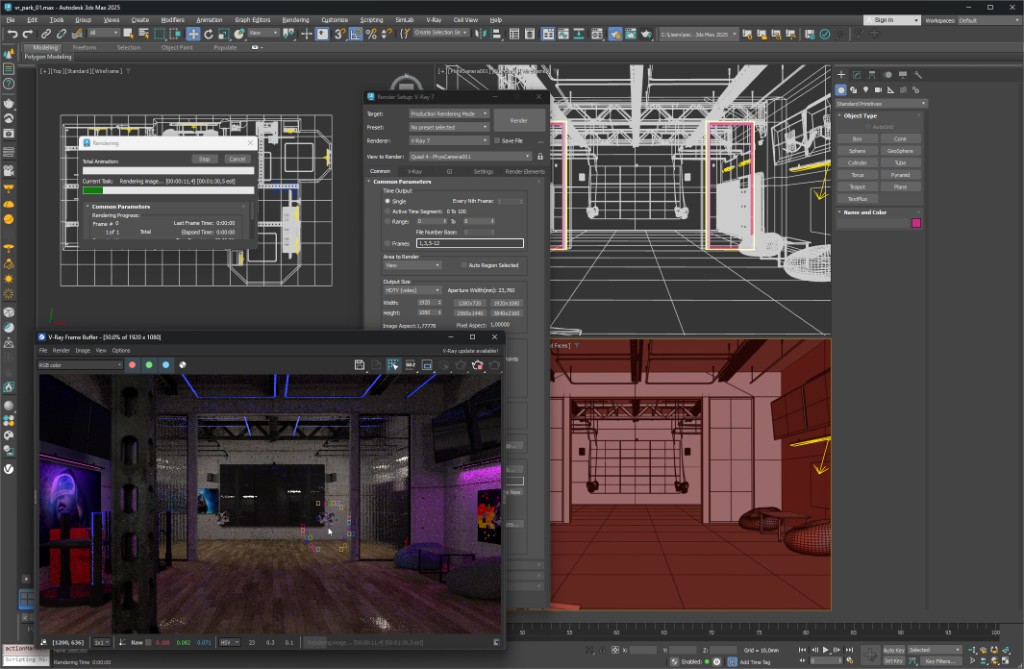
Step 01 · Authoring and lighting intent
At this stage, the scene contains everything that makes your concept strong: composition, camera logic, hero materials, texture detail, and lighting mood tuned for still renders. This is where design quality is born, and it is exactly why conversion quality matters: if the baseline is rich, the interactive version must preserve that richness rather than flatten it.
The image demonstrates the source setup where artistic decisions are already locked. Instead of rebuilding the project manually for realtime, you can keep working in your familiar environment and pass the packaged scene to the conversion pipeline.
Step 02 · Interactive runtime for review
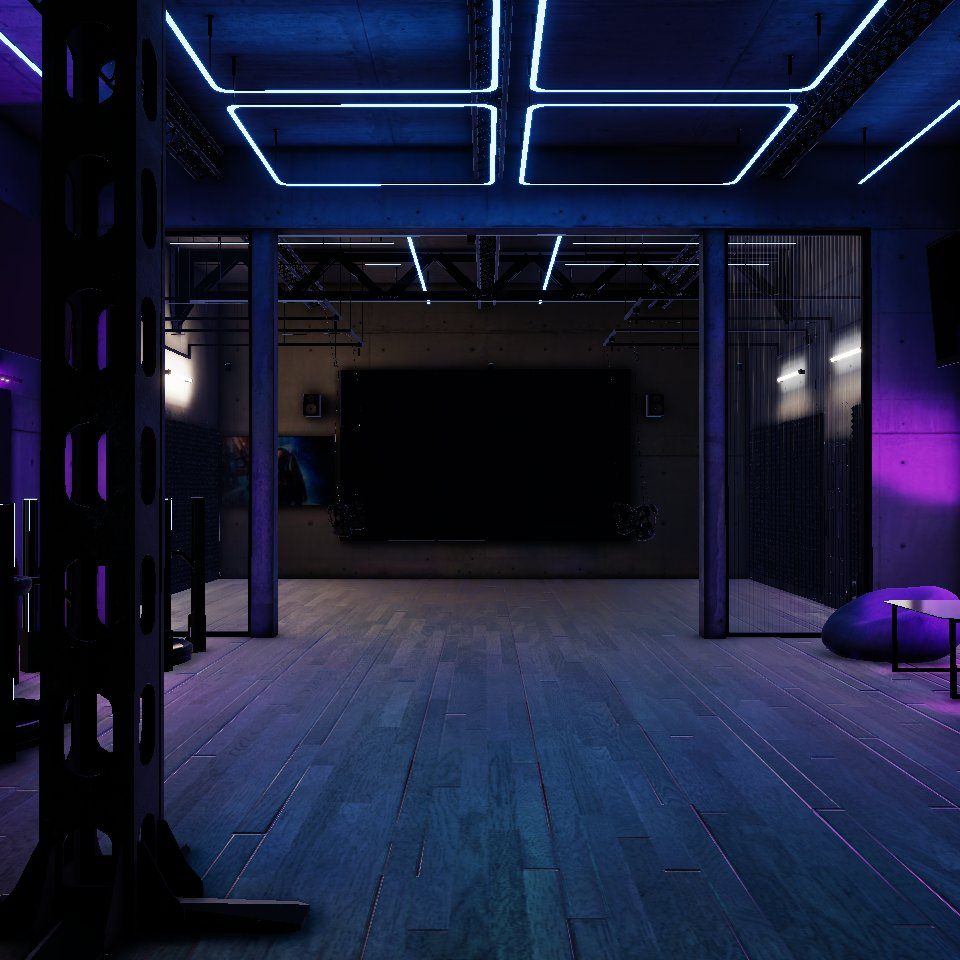
The same project becomes explorable in realtime, allowing architects, designers, and clients to test viewpoints instantly rather than waiting for new render passes. This changes feedback sessions completely: people discuss layout and materials while moving through the space, not after opening a gallery of static images.
The screenshot highlights the practical result of conversion: stable framerate, immediate camera movement, and a presentation format that supports both internal technical review and external client communication.
Step 03 · Packaging for distribution
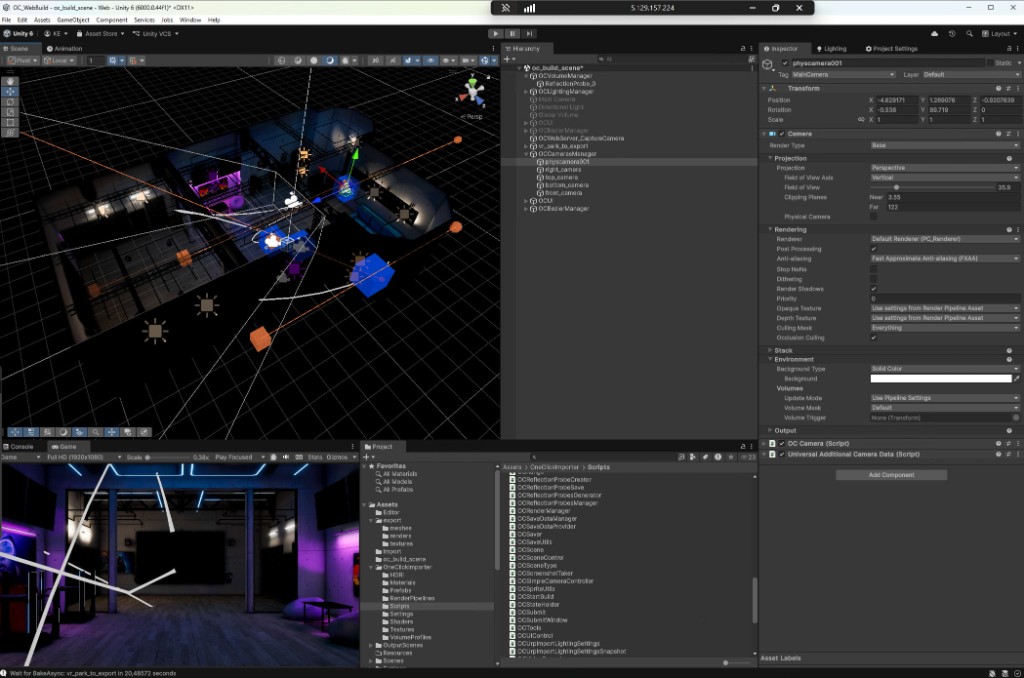
Once imported into Unity URP, the project is ready for the outputs your business actually needs: browser demos for remote clients, desktop executables for meetings, and platform builds for interactive showcases. The value here is operational, not only visual: one production source can feed multiple delivery channels.
The final screenshot demonstrates the handoff phase where the converted scene is organized for reliable publishing. This is where archviz stops being a folder of renders and becomes an interactive product your client can experience directly.
You do not need to choose a single presentation format in advance. The workflow is designed for teams that present the same project in different contexts: a browser link for quick review, a standalone EXE for controlled demos, and immersive or mobile builds for advanced interaction.
Supported input: .zip package with your 3ds Max scene and linked textures.
Ready