Deterministic imports
Predictable naming and structure reduce rework when scenes are updated and re-imported during iterative design cycles.
HDRP Production Track
HDRP is often chosen when your project needs stronger material response, controlled reflections, and consistent lighting behavior across cinematic viewpoints. But high visual potential only pays off when the source scene, import structure, and validation workflow are aligned from day one.
This page focuses on production logic: how to move from beautiful offline authoring to a stable realtime HDRP package that your team can maintain, review, and deliver without chaotic manual fixes.
Predictable naming and structure reduce rework when scenes are updated and re-imported during iterative design cycles.
Before polishing post-processing, lock a neutral lighting baseline so quality checks remain objective across revisions.
Set practical draw-call and texture targets early to avoid late-stage compromises on hero spaces.
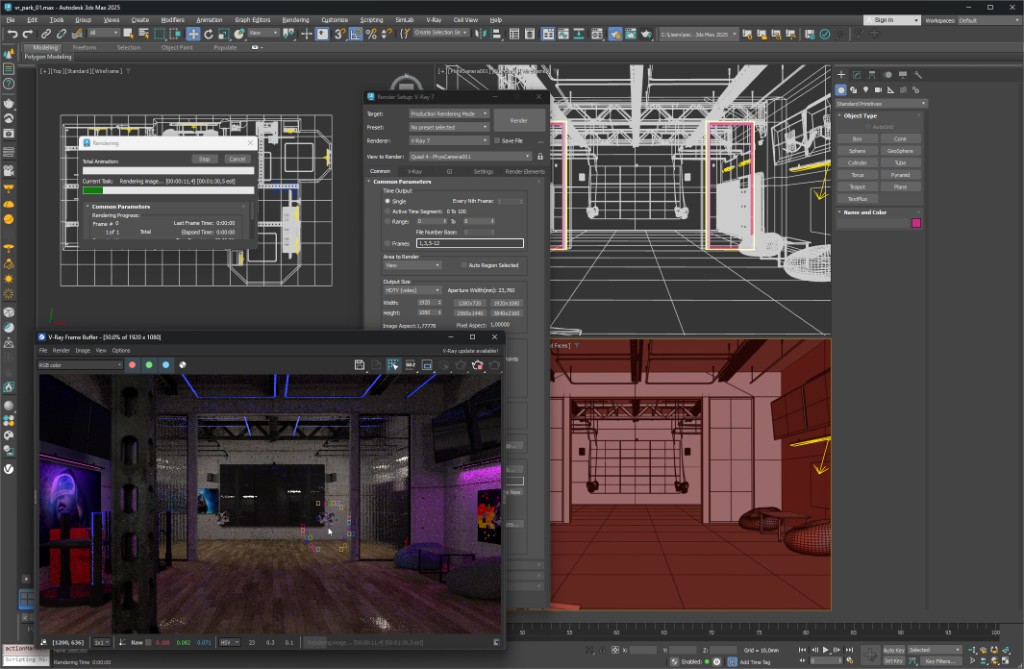
Stage 01 · Source discipline
HDRP outcomes are strongly tied to scene cleanliness before conversion. Structured assets, coherent scale, and rationalized material groups make the import process faster and reduce inconsistent look-development behavior in later stages.
Stage 02 · Realtime validation
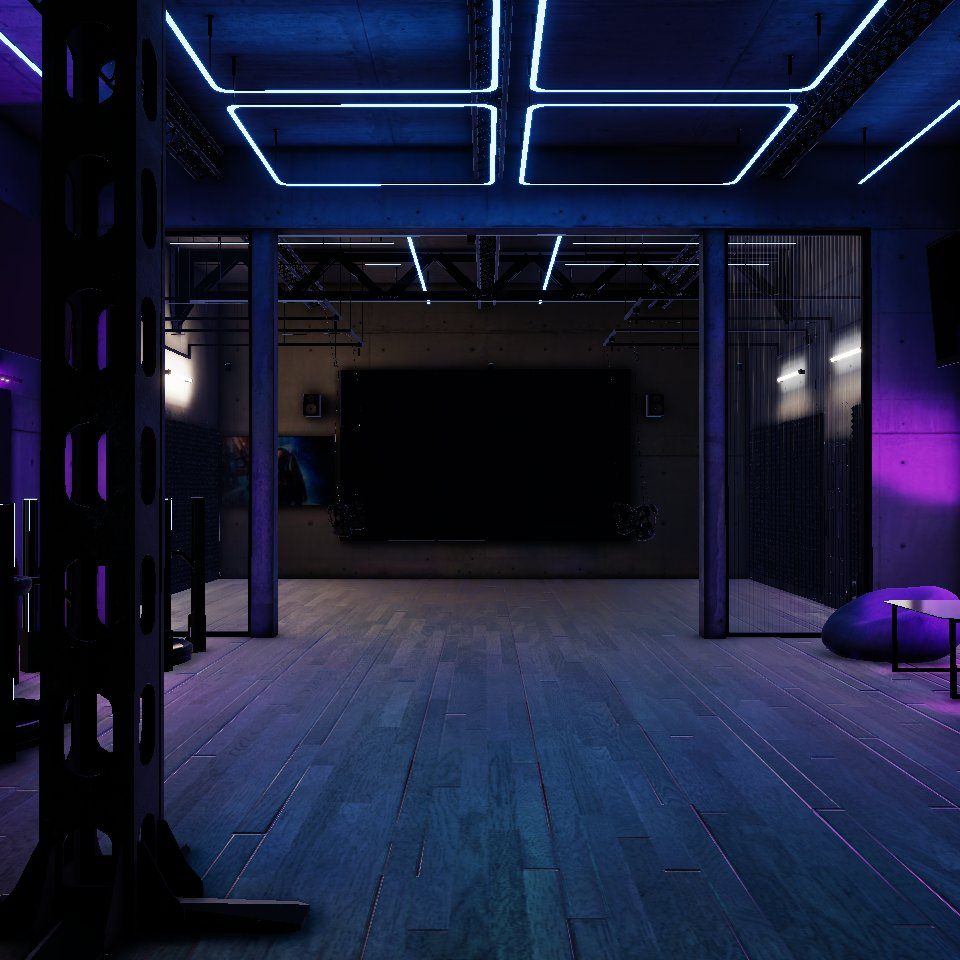
A realtime pass reveals issues static shots hide: awkward transitions, uneven contrast, and navigation hotspots. Validate quality while moving through the scene to ensure your client experience stays coherent from entry point to detail zones.
For browser-first delivery, go to WebGL from 3ds Max. For Corona-specific material context, open Corona to Unity. For immersive walkthrough logic, see Unity VR build.